
Gemma 4 12B: AI that runs on your laptop, not someone else's server
Google just shipped a small AI model that runs on a normal laptop with 16GB of memory. Here's what laptop-local AI means for cost, privacy, and how dsrpt builds for clients.
Abdulkader Safi 5 min read
Most AI you use today lives on someone else's computer. You type a prompt, it travels to a data centre, a model answers, the reply comes back. You pay per use, and your data takes a trip every single time.
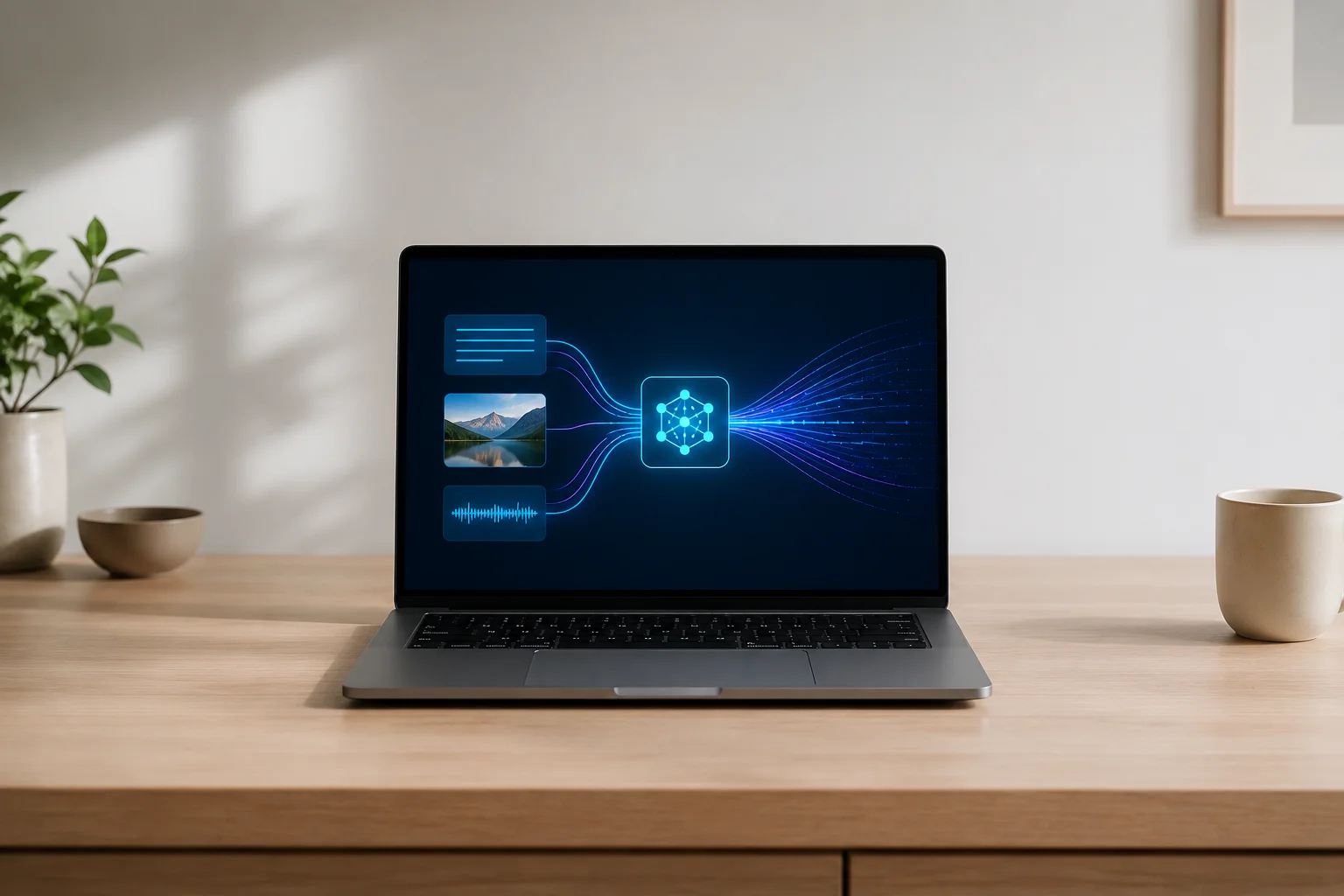
Google just shipped something that breaks that pattern. It's called Gemma 4 12B, and it runs on a normal laptop. No server. No subscription. No round trip. The whole model sits on your machine and answers from there.
I build websites and apps for businesses in Australia and across the GCC, and "can we run AI without sending our data to OpenAI" is one of the questions I get most. Until recently the honest answer was "not really, not at decent quality." That answer is changing. Here's what the release actually means, in plain terms, and where it fits for a real business.
What Google actually released
Gemma is Google's family of open models. "Open" here means Google publishes the model itself, under an Apache 2.0 licence, so anyone can download it and run it on their own hardware. That's different from Gemini, the model behind Google's chatbot, which you only ever reach over the internet.
Gemma 4 12B is the newest mid-sized one. A few numbers from Google's announcement that matter:
- It runs locally on a laptop with 16GB of memory. That's a well-specced but ordinary machine, not a server farm.
- It's multimodal, meaning it takes text, images, and audio as input. This is Google's first mid-sized Gemma that listens to audio directly.
- On Google's own benchmarks it performs close to their much larger 26B model, at under half the memory.
- The Gemma family has crossed 150 million downloads, so this is a well-worn line of models, not a science experiment.
The "12B" is the size: 12 billion parameters, which is the count of internal numbers the model uses to make decisions. Bigger usually means smarter and heavier. 12B is the sweet spot Google is aiming at here: capable enough to be useful, small enough to fit on a laptop.
If you want the full technical breakdown, Google's own post is Introducing Gemma 4 12B. The rest of this is my read on why a business should care.
The clever part: it dropped the translators
You can skip this section if you just want the business angle. But the engineering choice here is genuinely smart, and it explains why the model is small enough to run on your laptop in the first place.
Most AI that handles images and audio works in two stages. First a separate piece called an encoder turns the picture or sound into a format the main model understands. Then the main model reads that. Two stages, two sets of memory, more delay.
Google threw the encoders out. Gemma 4 12B feeds images and audio straight into the main model, no translator in between. For audio they removed the encoder entirely and pushed the raw sound into the same space the model uses for words. Fewer moving parts, less memory, faster answers. That's the trick that lets a capable multimodal model fit on a 16GB laptop instead of needing a rented GPU.
If terms like "model" and "multimodal" are new to you, we wrote a plain-English glossary worth bookmarking: 13 new AI terms every founder should actually understand in 2026.
Why "runs on your laptop" is a big deal for business
Here's the part that matters if you run a company rather than write code.
When AI runs on your own machine, three things change.
Your data stays put. Nothing you feed the model leaves the device. No prompt, no document, no customer record gets sent to a third party's server. For a law firm, a clinic, an accountant, or anyone handling regulated data, this is the whole ballgame. You can use AI on a sensitive file without that file ever travelling anywhere. This is the same instinct behind keeping systems closed by default, which we cover in Zero trust architecture explained for non-technical business owners.
Your costs stop scaling with use. Cloud AI bills you per request. Run it ten thousand times and you pay ten thousand times. A local model has no per-use fee. You buy the hardware once, then run it as much as you like. For high-volume, repetitive jobs, like tagging support tickets or drafting first-pass replies, the maths flips hard in favour of local.
It keeps working offline. No internet, no problem. The model is on the machine. That matters for a site office, a shop with a flaky connection, or anywhere downtime isn't acceptable.
None of this makes cloud AI obsolete. The biggest, smartest models still live in data centres, and for a one-off complex job they're often the right call. But for steady, everyday, privacy-sensitive work, a model on your own hardware is now a real option in a way it wasn't a year ago.
Where the catch is
I'm not going to pretend this is free of trade-offs. It isn't.
Running a model locally means you own the setup. Someone has to install it, keep it updated, and make sure the machine can handle it. That's a developer job, not a "download an app" job, at least for now. Tools like Ollama and LM Studio have made it far easier than it used to be, but it's still more hands-on than signing up for a chatbot.
You also need the hardware. 16GB of memory is the floor, and a recent machine helps a lot. If your team is on five-year-old laptops, this won't run well.
And a 12B model, clever as it is, is not the most powerful AI on the market. It's very good for its size. It is not going to out-reason the giant frontier models on the hardest tasks. The point isn't that it beats them. The point is it runs on a laptop and keeps your data home, and for a lot of real work that combination wins.
How this fits into what we build
For dsrpt clients, the interesting use isn't "replace ChatGPT." It's the quieter stuff. A document tool that reads sensitive contracts without uploading them. An internal assistant that runs inside your own network. A feature in your app that works offline and costs nothing per use. Audio and image handling on-device, so customer recordings or scans never leave your servers.
These were awkward or expensive to build a year ago. A capable open model that runs on ordinary hardware makes them practical. When we plan an AI feature now, "should this run locally?" is a real question with a real answer, not a fantasy.
If you're weighing where AI actually fits in your business rather than chasing the hype, that's exactly the kind of call we help clients make. It usually comes down to one question: does this job need the biggest model in the cloud, or is it better served by something private, cheap, and on your own hardware?
What to do now
If you handle sensitive data or run AI tasks at volume, local AI is worth a serious look this year. The short version: pick one repetitive, privacy-sensitive job, test whether a local model handles it well enough, and compare the running cost against your current cloud bill. That single comparison usually tells you whether to go local.
If you'd rather not work that out alone, talk to us. We build AI features for clients in Australia and the GCC, and a big part of the job is exactly this call: what should live in the cloud, and what's better off running quietly on your own hardware.
Frequently asked questions
Gemma 4 12B is an open AI model from Google, released in June 2026. It handles text, images, and audio, and it's small enough to run locally on a laptop with 16GB of memory. "Open" means Google publishes the model under an Apache 2.0 licence, so anyone can download and run it on their own hardware rather than only reaching it over the internet.
Yes, if the laptop has about 16GB of memory and isn't too old. You install a tool like Ollama or LM Studio, download the model once, and it runs on your machine with no internet needed. Setup is more technical than using a chatbot, but the model itself runs fully on your hardware afterwards.
It depends on the job. Local AI keeps your data on your machine, has no per-use cost, and works offline, which suits private or high-volume tasks. Cloud models like ChatGPT and Gemini are more powerful for the hardest one-off problems. Many businesses end up using both: local for sensitive, repetitive work and cloud for the heavy lifting.
The model is free to download and run under its Apache 2.0 licence. Your only costs are the hardware to run it and the time to set it up and maintain it. There's no per-request fee like cloud AI services charge, which is part of why local models make sense for high-volume use.
Generally yes. Because the model runs on your own machine, the data you feed it never leaves the device or travels to a third party's server. For regulated work in areas like healthcare, legal, and finance, that's a strong advantage over cloud AI, where every request is sent off your premises to be processed.