

Last updated: August 2026. Prices checked against provider pricing pages on 5 August 2026.
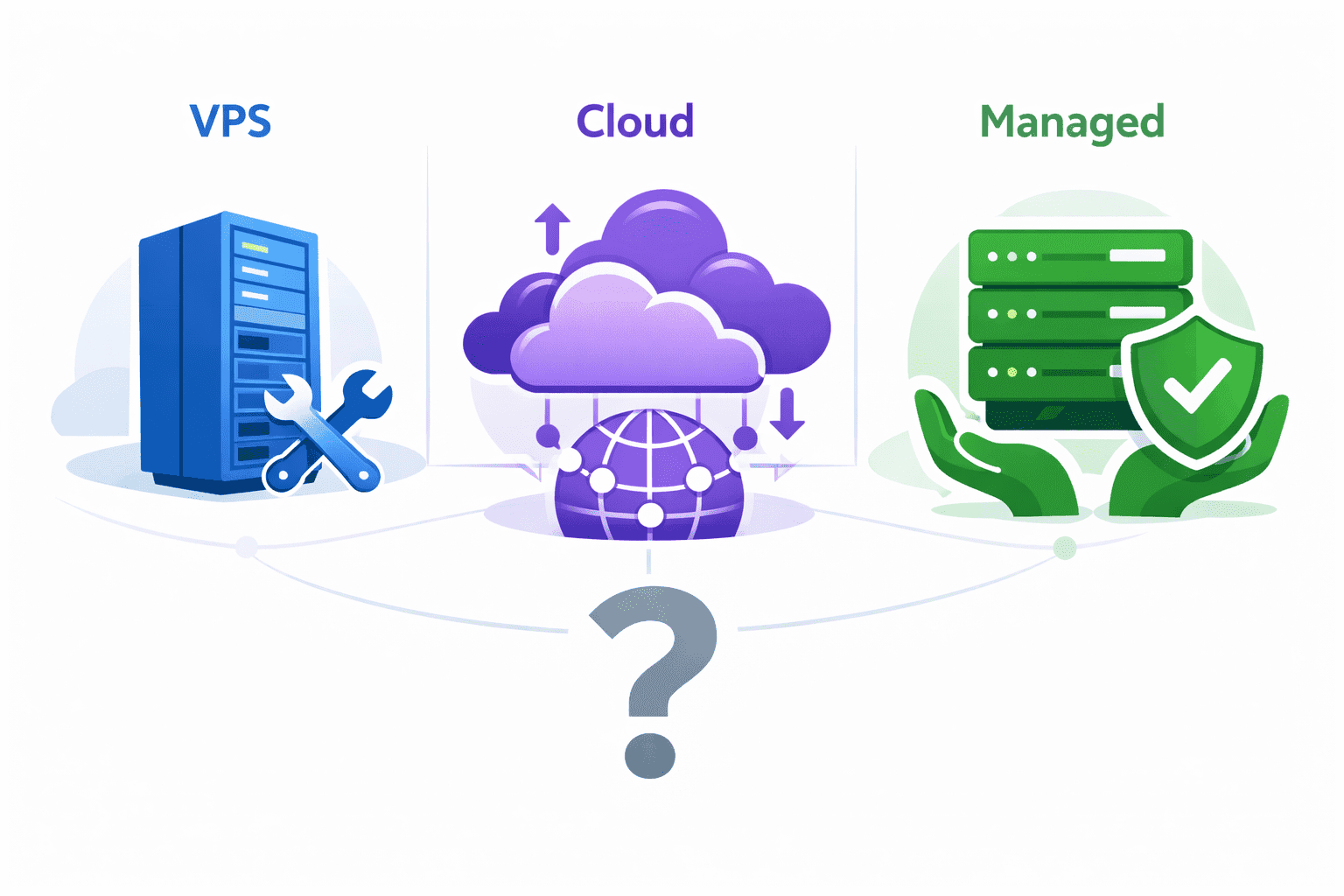
Most comparisons of this give you three options. There are four, and the fourth is the one most people actually want.
| Plain VPS | Cloud | Managed hosting | Managed cloud VPS | |
|---|---|---|---|---|
| What you rent | One virtual server | A pool of services | A plan | One virtual server, run for you |
| Typical monthly cost | $4 to $48 | $50 to $500+, variable | $20 to $300 | $11 to $80 |
| Bill behaviour | Flat | Moves with traffic | Flat | Flat |
| Who patches the OS | You | You | Provider | Provider or panel |
| Who restores the backup | You | You | Provider | Provider |
| Root access | Yes | Yes | No | Usually yes |
| Scaling | Resize, brief reboot | Automatic | Change plan | Resize, brief reboot |
| Best for | A developer who wants control | Variable traffic, a DevOps owner | No technical staff at all | A growing site with a part-time developer |
The rest of this explains where each one breaks, and what the numbers actually are.
The fourth option: what a managed cloud VPS is
A managed cloud VPS is a virtual server on a cloud provider (DigitalOcean, Vultr, Hetzner, Linode, AWS) with a management layer sitting on top of it. You get the flat price and the root access of a VPS, and someone else handles the parts that break at 2am.
There are two shapes of it.
Fully managed, where one company bills you for both the server and the management. Cloudways is the best known, and it now sits inside DigitalOcean. You pick the underlying provider, they run it.
Panel-managed, where you keep your own cloud account and pay a separate monthly fee for software that provisions, hardens, deploys and updates the server. Ploi, RunCloud, Laravel Forge and ServerPilot all work this way. The server stays yours. The panel just stops you having to remember nginx config.
This is the category the phrase "managed cloud VPS" points at, and it is missing from almost every hosting comparison article, including the previous version of this one.
What each option actually costs
Numbers below are list prices from the providers' own pricing pages, checked 5 August 2026.
Plain VPS
DigitalOcean's basic droplets: $4/month for 512 MB, $6 for 1 GB, $12 for 2 GB, $24 for 4 GB with 2 vCPUs, $48 for 8 GB. Hetzner and Vultr sit in the same range, Hetzner cheaper in Europe.
That is the sticker price. The real number adds whatever you spend on backups (DigitalOcean charges 20% of the droplet cost for weekly, 30% for daily), monitoring, and the hours you spend. If you are a developer and you enjoy this, the hours cost nothing. If you are a business owner, they cost everything.
Managed cloud VPS
Cloudways starts around $11/month for a managed 1 GB DigitalOcean server. That is the whole bill: server plus management.
Compare it against the unmanaged version at $6. The management layer costs about $5 a month at the small end. That is the single most useful number in this article, and it is why "is managed worth it" is usually a badly framed question.
Panel-managed works out similarly. Ploi is free for one server, $10/month for up to five, $16/month for up to ten. Put a $12 DigitalOcean droplet under a $10 Ploi plan and you are at $22/month with root access, automated updates, zero-downtime deploys and database backups. Spread that Ploi plan across five client servers and the management cost per site drops to $2.
Managed hosting
Entry managed WordPress runs $20 to $40/month. Premium managed (WP Engine, Kinsta) runs $100 to $300. Shopify removes the server from the conversation entirely and charges a platform fee plus transaction cuts.
You are buying predictability and the absence of a server. You are giving up root access, which matters the moment your app is not WordPress.
Cloud
There is no honest single number, which is the point. A small application on AWS with an EC2 instance, a managed database, a load balancer and monitoring lands somewhere around $90 to $150/month at steady traffic. The same setup during an unplanned spike, with egress charged per gigabyte, can be several times that.
Cloud is the only option on this list where you cannot know next month's bill in advance. Set a billing alert on day one, not day thirty.
Managed cloud hosting vs VPS for a growing online store
This is the specific case worth pulling out, because a store changes the maths.
A plain VPS is fine for a store until the first thing goes wrong at a bad time. The failure mode is not the server dying. It is a certificate expiring on a Friday, a PHP version going end-of-life, a plugin update taking the checkout down while nobody who can SSH in is awake. Every one of those costs you orders, and none of them are hard problems. They are just problems that need someone available.
Managed cloud hosting fixes the availability problem, not the technical one. You are paying for the person, not the server.
The decision usually comes down to three things:
- Does your revenue depend on the site being up right now? If an hour of downtime means lost orders rather than a delayed enquiry, do not self-manage unless someone is genuinely on call.
- Do you have traffic spikes you can see coming? Ramadan, Black Friday, a campaign launch. On a managed cloud VPS you resize the instance the week before and resize back after. That is a five-minute job and a predictable cost. On plain cloud it is automatic but the bill is a surprise.
- Is your stack standard? WooCommerce on a managed cloud VPS is a solved problem. A custom Laravel or .NET application needs root access, which pushes you towards panel-managed rather than fully managed.
For most growing stores in the $10k to $100k a month range, a managed cloud VPS at $30 to $80/month is the correct answer, and the money saved versus premium managed hosting is better spent on the store itself.
Worth reading alongside this: Ecommerce platform for the GCC: Shopify, Woo or custom, because the platform choice constrains the hosting choice more than the other way round.
Three questions that land you on one option
Skip the feature tables. Answer these in order and stop at the first clear answer.
1. Who fixes it at 2am?
If the answer is "nobody", you need managed hosting or a managed cloud VPS. This is not about skill. Plenty of capable developers should not be on call for their own company website.
If the answer is a named person whose job includes it, keep going.
2. Can you predict next month's traffic within about 3x?
If yes, take a flat-price option: VPS, managed cloud VPS, or managed hosting. You will pay less than cloud and you will know the number.
If no, and the swing is genuinely large and unpredictable, cloud earns its complexity. Most businesses that think they are in this category are not.
3. Does your application need root?
Custom stack, background workers, a specific PHP or Node version, Redis, a queue daemon: you need root, so managed WordPress hosting is out. Panel-managed cloud VPS is the fit.
Standard WordPress or Shopify: you do not need root, and giving it up buys you simplicity.
That's it. Three questions, and almost everyone lands on managed cloud VPS or managed hosting.
Hosting in Kuwait and the GCC
Two corrections to what gets repeated about this region.
Every major cloud now has GCC capacity. AWS has Bahrain (me-south-1, since 2019), the UAE (me-central-1, since August 2022) and Riyadh (me-central-2, generally available January 2026). Google Cloud has Doha (me-central1) and Dammam (me-central2), both since 2023. Azure has UAE regions. The old line that Google has no Gulf region is out of date.
One practical catch: if your billing address is in Saudi Arabia, Google requires you to buy the Dammam region through CNTXT rather than directly.
Proximity is not the same as resilience. In March 2026, AWS confirmed that drone strikes caused disruption at its UAE and Bahrain regions. Reuters and The Register both reported it. Whatever your read on the wider situation, it is a reminder that a single nearby region is a single point of failure, and that a CDN plus a second region elsewhere is cheap insurance for a business that cannot go dark.
For most Kuwait and GCC sites, the honest answer is that a CDN in front of a European or Bahrain-hosted server delivers better real-world performance than agonising over which Gulf data centre to sit in. We went into the latency side of this in Edge computing for web apps: why latency matters in the GCC.
Two more things to check before you commit regionally: whether your industry or a government contract requires data to stay in-country, and whether the provider accepts KNET or a local card. Both have killed otherwise good hosting decisions late in the process.
The four mistakes that cost the most
Buying cloud for the brand. A well-configured $24 droplet beats a badly configured $400 AWS setup on almost every metric that matters to a small business. Cloud is a capability, not a status.
Assuming backups are included. On a plain VPS and on raw cloud, they are not, unless you enabled and paid for them. Check that a restore actually works before you need it. An untested backup is a hope.
Counting the sticker price and not your hours. Four hours a month of server admin is not free just because nobody invoiced you for it.
Self-managing because managed felt like admitting something. The $5 gap between a $6 droplet and an $11 managed one is not a real saving. It is a bill you pay in Saturdays.
What to do next
If you are on shared hosting and outgrowing it, go to a managed cloud VPS, not a plain one. The price difference is trivial and it removes the class of problem you are least equipped for.
If you are on a plain VPS and it is fine, leave it. Add a panel (Ploi, RunCloud) for about $10/month to automate the patching and the backups, and you have bought most of the benefit without moving anything.
If you are on premium managed hosting at $150+/month for a standard WordPress site with modest traffic, price a managed cloud VPS. You will very likely find the same outcome for a third of the money.
If your bill is a cloud bill and you do not know what next month's will be, that is the problem to fix first, before the hosting type.
We wrote up how we actually decide this for client projects in How we pick the right web hosting for every client project, and the setup mechanics in How to set up a VPS in 2026.
--
Sources
- DigitalOcean droplet pricing, checked 5 August 2026
- Cloudways pricing, checked 5 August 2026
- Ploi pricing, checked 5 August 2026
- Google Cloud global locations and Dammam region access
- The Register, AWS says drones hit two of its datacenters in UAE, 2 March 2026
Not sure which one fits you
DSRPT builds and hosts for businesses across Kuwait, the GCC and Australia, and we do not resell hosting, so there is nothing in it for us either way. If you want a straight read on what your setup should be, get in touch.