
How to make ChatGPT respond like Claude (and Claude like ChatGPT)
Stop typing one-liners and getting mid results. Eight prompting rules that actually change what Claude and ChatGPT give you — with examples.
Abdulkader Safi 9 min read
To make ChatGPT respond like Claude, change three settings rather than your prompt: set Base style and tone to Efficient, pull the Headers and Lists slider down, and add a custom instruction telling it to answer in prose. To go the other way, tell Claude to lead with the answer and use headings. Both fixes live in settings, not in the chat window.
That is the short version. The longer version is worth reading, because most people trying to fix this are typing the fix into a chat that forgets it an hour later.
Here is the thing that surprises people. The two companies publish genuinely different advice about how to talk to their own models, and if you follow one company's advice while using the other company's product, you make your output worse. Not slightly worse. Measurably.
Making ChatGPT respond like Claude
When someone says "ChatGPT sounds like ChatGPT", they usually mean four things: headers everywhere, bullet lists instead of sentences, an opening line that restates the question, and a closing paragraph that summarises what you just read.
All four are adjustable, and none of them need a prompt.
Open Settings, then Personalization. You get three separate controls that stack:
Base style and tone is a dropdown with seven presets: Default, Professional, Friendly, Candid, Quirky, Efficient, Cynical. Efficient and Candid are the two that move output toward what people describe as a Claude-like register.
Characteristics is a set of plus and minus sliders: Warm, Enthusiastic, Headers & Lists, Emojis. The Headers & Lists slider is the single most useful control for this exact question. OpenAI's own description of the minus setting reads: "Use fewer formatting elements and rely more on paragraphs." That is the whole complaint, solved with one slider. This one is still rolling out, so it may not be in your account yet.
Custom Instructions is the free-text box. Free and Go accounts get 1,500 characters, and Plus, Pro, Enterprise, Business and Education accounts get 5,000. Instructions apply immediately to every chat.
Here is what to put in the box. Adjust the specifics, keep the shape:
Answer in prose paragraphs. No headers, no bullet lists, unless I ask for them.
Start with the answer. No preamble, no restating my question back to me.
No closing summary and no offer to help further.
When you are unsure, say so in one sentence and continue.
One thing to know before you write a novel in that box. OpenAI's published prompting guidance says the opposite of what most people assume: "Favor leaner prompts", and "State each instruction once." They put numbers on it. Configurations with leaner system prompts scored roughly 10 to 15% better on their evaluations while using 41 to 66% fewer tokens. Repeating yourself is not emphasis. It is noise.
Making Claude respond like ChatGPT
Fewer people search for this one, but it is the same job in reverse, and the settings are in the same kind of place.
In Claude, click your initials in the lower left, open Settings, and find Instructions for Claude. Anything there applies to all your conversations. Projects have their own instructions that apply only inside that project.
Worth knowing: Anthropic's own help page contradicts itself here. It says free accounts can create up to five projects, then two bullets later says project instructions are paid plans only. If you are on the free tier and your project instructions do not seem to bite, that is why. The same page still references a Styles feature in its summary section while no longer documenting it anywhere, so do not go looking for it.
What to write, if you want the scannable, structured, ChatGPT-shaped output:
Lead with a one-line direct answer, then expand.
Use headings and short bullet lists so I can scan.
Keep answers under 400 words unless I ask for depth.
Skip hedging. If a claim is uncertain, mark it once and move on.
That last line matters more than it looks. Anthropic's own system card for Claude Sonnet 5 lists user complaints verbatim, and two of them are "excessive hedging on factual questions" and "a cooler, more reserved tone". They also document why: the model got measurably less sycophantic, and warmth went down with it. Their words for the side effect are "wet blanket" responses, and the card says that metric got slightly worse, not better. So if Claude feels colder than it used to, that is a documented tradeoff, not your imagination.
If you are on Claude Opus 5 specifically, add a length instruction. Anthropic's docs flag it as an exception: its default responses run longer than earlier models, and changing the effort setting does not reliably change response length. You have to ask.
The difference that actually matters
Everything above is cosmetic. This part is not.
Anthropic's advice: explain the reason. Their prompting docs compare two instructions. The weak one is "NEVER use ellipses". The strong one is "Your response will be read aloud by a text-to-speech engine, so never use ellipses since the text-to-speech engine will not know how to pronounce them." Their explanation: "Claude is smart enough to generalize from the explanation." They also suggest repeating a tone reminder near the end of a long prompt.
OpenAI's advice: say it once and stop. Lean prompts, each instruction stated a single time, with the eval numbers quoted above behind it.
Both are correct, for their own product. Which means the long, carefully reasoned prompt you tuned for Claude is the exact shape OpenAI's guidance tells you to cut down. If you keep one prompt library and paste it into both, one of the two is getting worse output and you will not know which.
The other real difference is structural. OpenAI publishes a formal authority ladder in its Model Spec: root, then system, then developer, then user, then guideline, and finally no authority at all, which is where tool output and quoted text sit. Quoted text, including anything in JSON, XML or quotation marks, is treated as untrusted data with no authority by default. Anthropic publishes no equivalent ladder, and instead recommends XML tags as a way to separate the parts of a prompt so the model does not confuse your instructions with your input.
Same tag, opposite meaning. On ChatGPT, wrapping something in tags can mark it as data to be ignored as an instruction. On Claude, it is the documented way to structure the instruction itself.
One claim I will not repeat: that Claude uses more em dashes than ChatGPT. Neither company has published anything about it. That one is folklore. We looked at where AI writing tells actually come from in what's the difference between prompt engineering and context engineering.
Build the template once, not every time
The reason your output format keeps drifting is that you are re-describing it in each chat, slightly differently each time.
Put it in the settings box instead. Both products give you two levels: account-wide, and per-project. ChatGPT documents the precedence explicitly, and it is the useful direction: "Project instructions only apply inside the respective project and will override your global custom instructions." So global holds your default voice, and each project overrides the parts that need to differ.
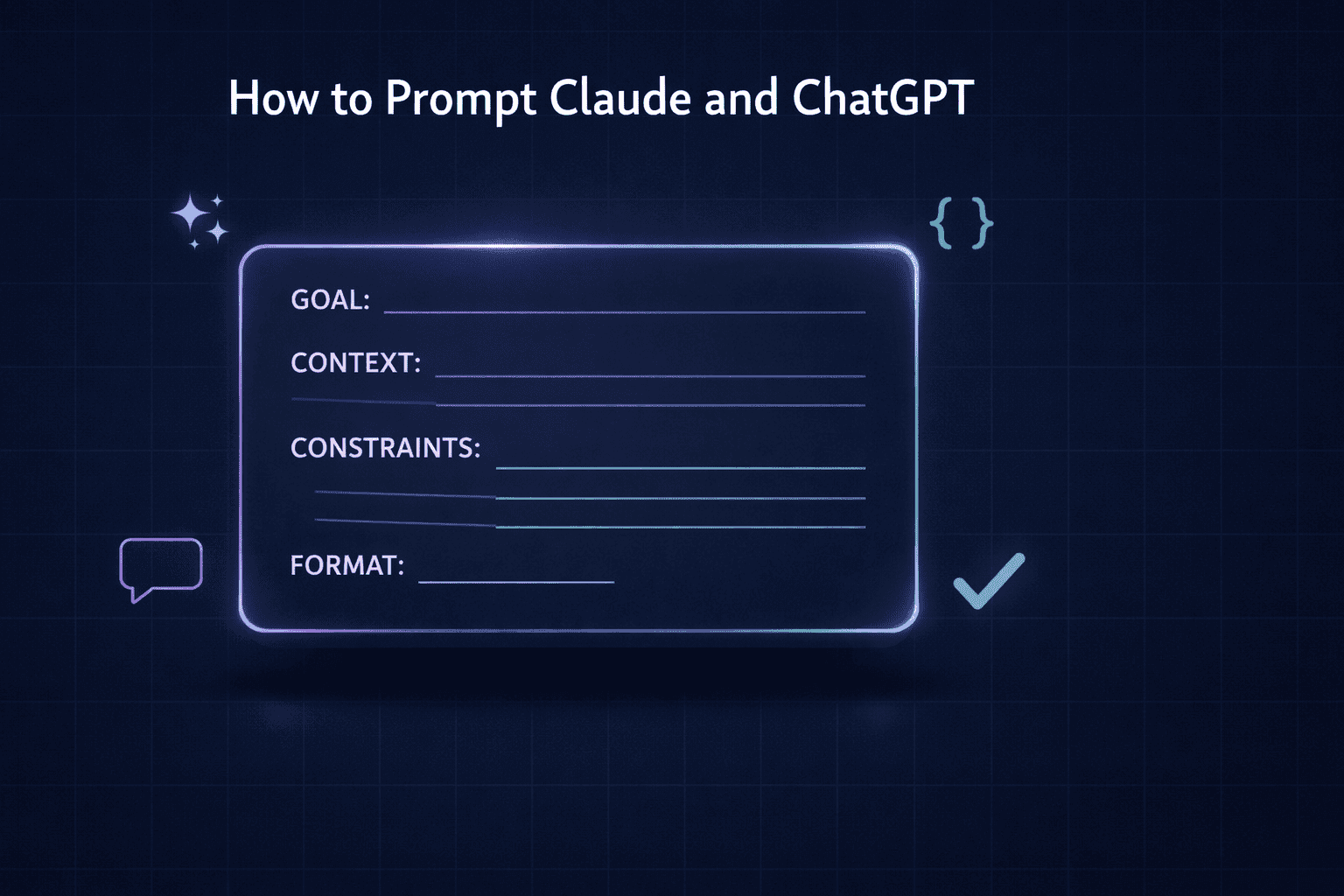
Here is a template that survives both products. Fill it in once per project:
Role: [what expert is answering, one line]

Output format:
- Structure: [prose / numbered steps / table with these exact columns]
- Length: [word or line count, a real number]
- Order: [what comes first, second, last, every time]

Always include:
- [the fields, sections or clauses that must appear, in order]
- [the fallback wording when a value is missing]

Never include:
- [banned words, banned openers, banned sign-offs]

When information is missing:
- [ask / insert a bracketed placeholder / use the fallback above]
That third block is the one people skip and then miss. If you draft anything repeatable, contracts, proposals, scopes, briefs, then the clause order and the fallback brackets are the entire value of the template. Say what to do when a value is unknown, and the output stops changing shape on you.
There is one shortcut worth knowing if you cannot describe your own preferences. Anthropic's own guidance suggests asking Claude to review the conversations you liked most and write instructions for itself based on them. Then paste the result into the settings box and edit it. Faster than starting from a blank field.
If you want to move an existing setup rather than rebuild it, Anthropic ships a memory import that reads an export from another provider. Settings, then Memory, then Start import. Their own words: it is "experimental and still in active development", so check what actually landed rather than assuming.
The instructions that do the most work
Strip everything else away and four instructions carry most of the improvement.
State the output format before the task. Not "write a landing page" but the section list, the word count, and the order they appear in. Ambiguity is what produces average output, because the model fills the gap with the average.
Give one worked example. Anthropic's docs recommend three to five for best results, wrapped in tags. Even one changes more than a paragraph of adjectives. Words describing a voice are lossy. A sample of the voice is not.
Say what to leave out. Banned words, banned openers, no closing summary. Anthropic adds a useful correction here: phrase it as what to do instead of what to avoid where you can. Rather than "do not use markdown", their documented alternative is "your response should be composed of smoothly flowing prose paragraphs".
Match your own prompt style to the output you want. This one is documented and almost nobody does it: "removing markdown from your prompt can reduce the volume of markdown in the output". If you write your prompt as a wall of bullets, do not be surprised by what comes back.
There is a fifth that is not really an instruction. When something comes back wrong, paste the specific problem back in rather than restarting. A targeted correction keeps the parts that worked and costs a fraction of a full regeneration.
What to stop doing
Stop saying "make it better". Vague adjectives get you the model's average interpretation of that adjective. Replace "make it simple" with "one idea per sentence, no sub-clauses". OpenAI's guide says this outright: "Broad labels such as 'friendly' or 'empathetic' can be ambiguous."
Stop repeating the same constraint three ways. Covered above. It measurably hurts on ChatGPT.
Stop starting over. A fresh chat throws away context you already paid for and re-explains everything from zero.
Stop asking for six things in one message. Ask for the structure, check it, then ask for the content. Errors compound when you cannot see which step went wrong.
Cutting your token bill without cutting quality
The token question is a cost question wearing a prompting costume, and it has a clean answer.
Anthropic's documentation states the mechanism plainly: the model remembers nothing between requests, so the full conversation is re-sent every single time you hit enter. Their own wording, from the Claude Code cost docs, is worth quoting: "a one-line question in a session that has been open all day still draws usage for the whole conversation."
That single fact explains most surprise bills. What follows from it:
- Start a new conversation when the topic changes. Anthropic's own usage guidance lists this first. Continuing an unrelated thread means paying to re-read everything before it.
- Turn off tools and connectors you are not using. Their words: "Tools and connectors are token-intensive." Same for web search and Research when the question does not need them.
- Lower the effort level, and switch extended thinking off for tasks that do not need reasoning. Higher effort uses more tokens by design.
- Use Projects for documents you reference repeatedly. Uploaded project files are cached, so only the new parts count against your limits each time.
- Keep the standing instructions short. They are prepended to every message you ever send. A 2,000-word instruction block is a tax on every question.
- Pick the smaller model for smaller jobs. Anthropic's published guidance: Haiku for simple tasks, Sonnet for most production work, Opus for the hardest reasoning.
On the API side the numbers are public. Prompt caching charges cache reads at 10% of the standard input price, with a 1.25x surcharge on the write for the five-minute cache, so it pays for itself after a single reuse. The Batch API is a flat 50% off input and output for anything that does not need an answer right now, and the two discounts stack.
One warning for anyone budgeting from a price list. Claude Sonnet 5's current $2 per million input tokens is introductory pricing that ends on 31 August 2026, after which it is $3. And models from Claude 4.7 onward use a newer tokenizer that produces roughly 30% more tokens for the same text, so a lower per-token price is not automatically a lower bill. Check the real usage, not the headline rate.
If your workflows are hitting these limits regularly, the fix is usually architectural rather than a prompting trick. That is the territory of MCP servers, the protocol connecting AI to your business tools, where the model pulls the specific record it needs instead of you pasting the whole document in.
What to do now
Open the settings page of whichever tool you use most and read what is actually in the standing-instruction box. For most people it is empty, or it holds something they wrote once in 2024 and forgot.
Write four lines. Format, length, what to always include, what to never include. Use it for a week. When the output is still not right, edit the four lines rather than arguing with the chat.
Then do the same in the other tool, and expect the wording to differ, because the two companies genuinely disagree about how much you should say. If you are keeping track of the vocabulary around all this, 13 new AI terms every founder should actually understand in 2026 is the cheat sheet, and Claude Fable 5 and Mythos 5 covers where the model lineup currently sits.
Frequently asked questions
Change the settings, not the prompt. In ChatGPT, open Settings then Personalization. Set Base style and tone to Efficient or Candid, pull the Headers & Lists slider down if you have Characteristics, and add a Custom Instruction along the lines of: answer in prose paragraphs, no headers or bullet lists unless I ask, no preamble, no closing summary. That combination removes most of what people mean when they say ChatGPT sounds like ChatGPT.
The two companies publish opposite advice on prompt length. Anthropic tells you to explain the reason behind a rule because Claude generalises from it, and to repeat a tone reminder near the end of a long prompt. OpenAI tells you to state each instruction once and keep prompts lean, and publishes figures showing leaner system prompts scoring 10 to 15% better while cutting tokens 41 to 66%. So a long prompt tuned for Claude can actively hurt on ChatGPT.
Do not paste a template into every chat. Put it in the standing-instruction box each product gives you. In ChatGPT that is Custom Instructions under Personalization, or Project settings for a single project, and project instructions override the global ones. In Claude it is Instructions for Claude in Settings, or project instructions for one project. Write the format once, and every new chat starts with it already applied.
The biggest lever is conversation length. Anthropic's own documentation says the full conversation is re-sent with every request, so a one-line question in a chat that has been open all day still draws usage for the whole thing. Start a new chat when the topic changes, lower the effort level, switch extended thinking off when you do not need it, and turn off web search and connectors you are not using, because tools and connectors are token-intensive.
Not reliably, and it depends which model you are using. Length only helps when the extra words remove ambiguity. OpenAI's published guidance says repeating an instruction hurts and recommends stating each one once. Anthropic's guidance is the opposite in one narrow case: explaining why a rule exists helps Claude generalise beyond the exact case you described. Padding, politeness and restating the same constraint three ways help neither.
Both is fine, but do not maintain two sets of instructions by hand. Write the format spec once, paste it into each product's own settings box, and expect small differences to remain because the default styles differ. Anthropic also ships an experimental memory import that reads an export from another provider, so you do not have to rebuild your standing preferences from scratch when you add Claude to an existing ChatGPT habit.